
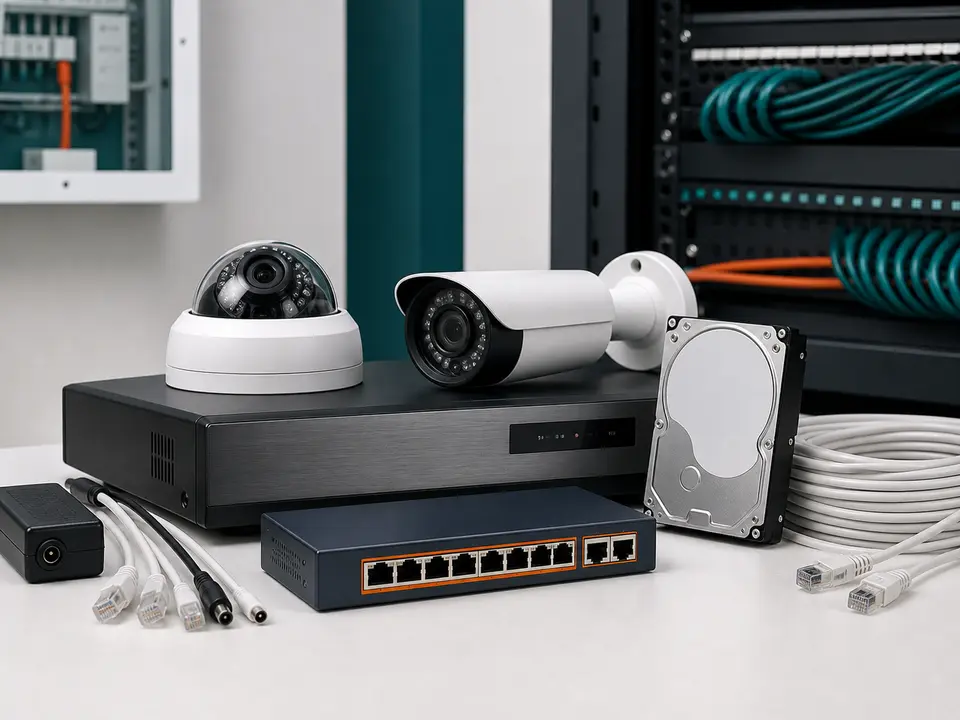
Surveillance systems
CCTV Cameras, DVR/NVR & Storage
HikvisionTrueviewHi-FocusDahuaCP Plus
5/351, Rajiv Gandhi Salai (OMR) Opp to Nilgiris, Okkiyamapet, Thoraipakkam, Chennai - 600 097.
CCTV hard disk replacement in Chennai
SRK Systems checks recording problems, hard disk errors, missing playback, beeping recorders and low backup days, then recommends suitable surveillance storage for factories, warehouses, offices and larger CCTV systems.
Email ramesh.srksystem@gmail.com for scheduled service and AMC enquiries.
Brands and compatibility
DVR/NVR storage work depends on the recorder platform, camera resolution, compression settings and backup-day target. SRK Systems can check common commercial CCTV setups using brands such as Hikvision, Trueview, Hi-Focus, Dahua and CP Plus before recommending storage.
Brand names indicate systems commonly handled or supplied on requirement. They do not imply official authorization unless specifically confirmed in writing.
Surveillance systems
CCTV & Surveillance
Recording issue diagnosis
Many CCTV systems continue showing live video even when the DVR/NVR is no longer recording properly. A faulty hard disk, unsupported storage, wrong recording schedule, incorrect date/time, or recorder error can make footage unavailable when facility teams need it most.
We check recording settings, hard disk status, playback search, overwrite settings, and storage health to understand why footage is unavailable.
A beeping recorder often indicates storage error, hard disk not detected, video loss, network issue, or system warning. We isolate the cause before recommending replacement.
Backup days can reduce after camera upgrades, resolution changes, frame-rate changes, compression changes, full-time recording, or hard disk capacity limitations.
DVR/NVR hard disk error, abnormal disk status, initialization failure, and disk not detected messages may indicate a failing or incompatible drive.
Storage faults can contribute to slow playback, freezing, repeated restarts, and unstable recorder behavior, especially on older DVR/NVR systems.
After replacement, we configure the recorder, verify sample playback, and review the expected backup days based on camera count and settings.
Surveillance HDD guidance
CCTV recorders write video continuously for long hours. A surveillance hard disk is designed for this workload and is a better fit than ordinary desktop storage for DVR/NVR recording. Capacity should be selected based on camera count, resolution, compression, frame rate, and how many backup days you need.
Data recovery and old footage recovery are not guaranteed. Replacement restores future recording after installation/configuration.
Check recorder storage status, playback, recording schedule, and visible error messages
Confirm whether the current hard disk is faulty, full, unsupported, or incorrectly configured
Recommend a suitable surveillance hard disk capacity based on camera count and recording needs
Install, initialize, format, and configure the hard disk for future CCTV recording
Verify live recording, sample playback, date/time, and estimated backup days after replacement
SRK Systems supports DVR and NVR hard disk replacement for factories, warehouses, apartments, offices, schools and commercial CCTV systems. Before visiting, share the recorder brand or model if available, camera count, current hard disk size, required backup days and the exact error shown on the screen.
For DVR/NVR recording issue support, call 9841680498 or email ramesh.srksystem@gmail.com.
Recording issue support
Send the recorder error, camera count, site type and required backup days. SRK Systems can check the issue and recommend suitable surveillance storage.
Share your area, system type and issue. SRK Systems will guide the right next step.
Common signs include no recording, missing playback, hard disk error, recorder beeping, hard disk not detected, frequent DVR/NVR restart, or very low backup days. A technician should confirm the cause before replacement.
A desktop drive may work temporarily, but a surveillance hard disk is recommended for CCTV because it is designed for continuous recording workloads and multiple camera streams.
No. Data recovery and old footage recovery are not guaranteed. Replacement restores future recording after installation/configuration.
Backup days depend on hard disk capacity, number of cameras, resolution, frame rate, compression type, motion recording settings, and recording hours. We can estimate backup days after checking your setup.